LENSCORE STUDIO
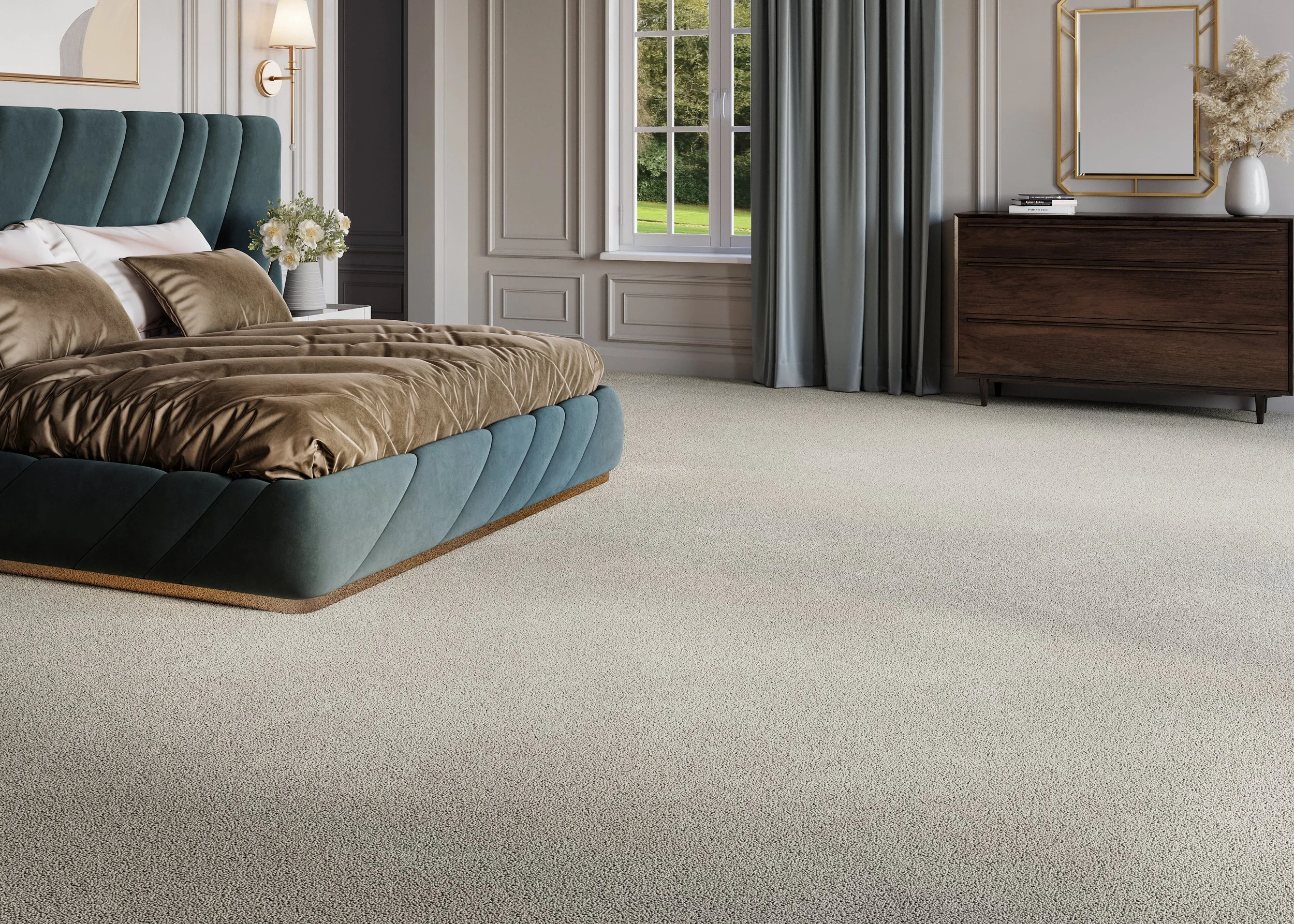
Lenscore Studio is a modern visual platform built for flooring businesses. It enables brands, retailers and showrooms to create high-quality room visualisations, product imagery and client-ready presentations with ease, helping customers see exactly how a space will look before any installation begins. From concept to final delivery, Lenscore streamlines the way flooring projects are visualised, presented and sold.
01
Import Catalog
02
Sync Brand
03
Create & Automate
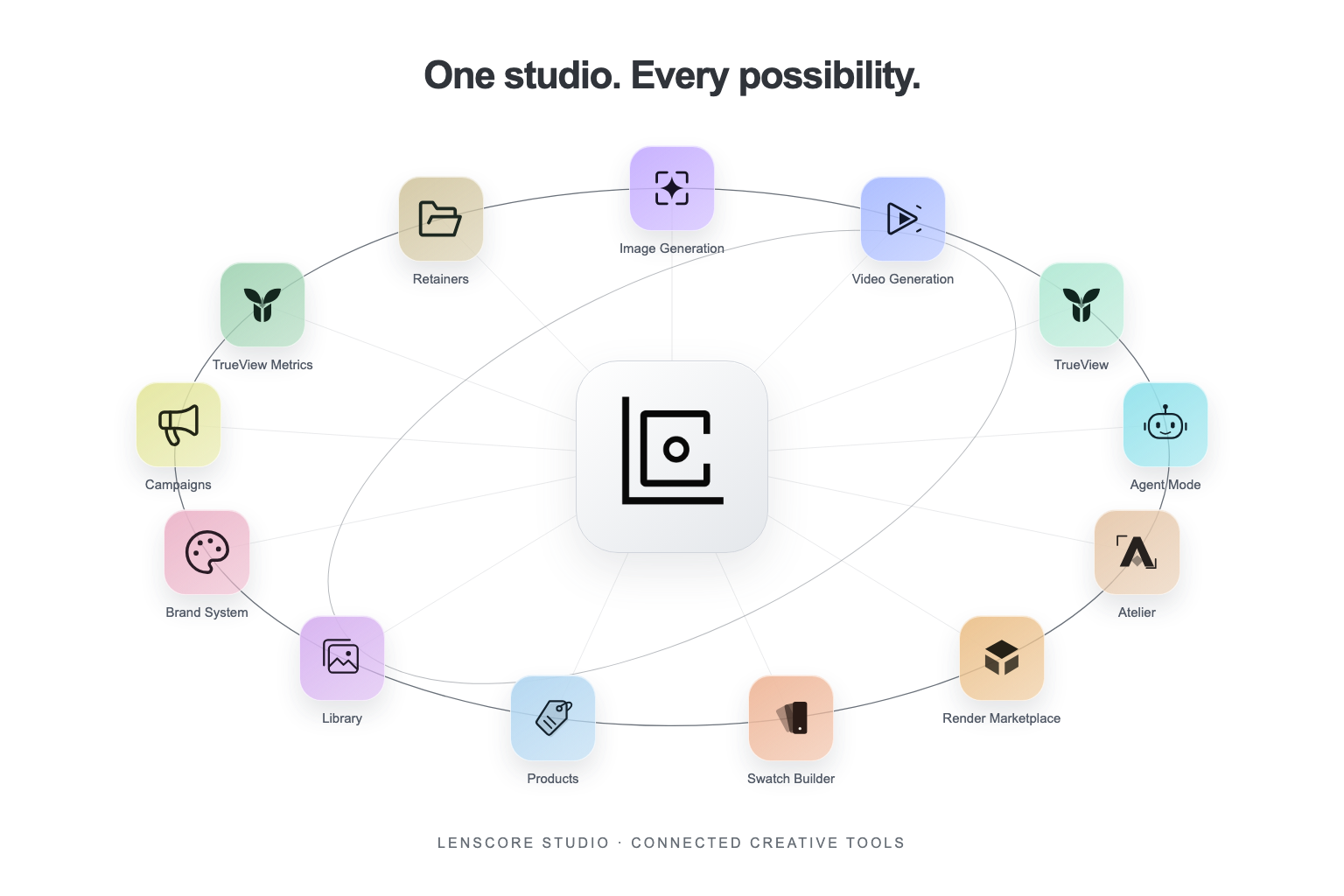
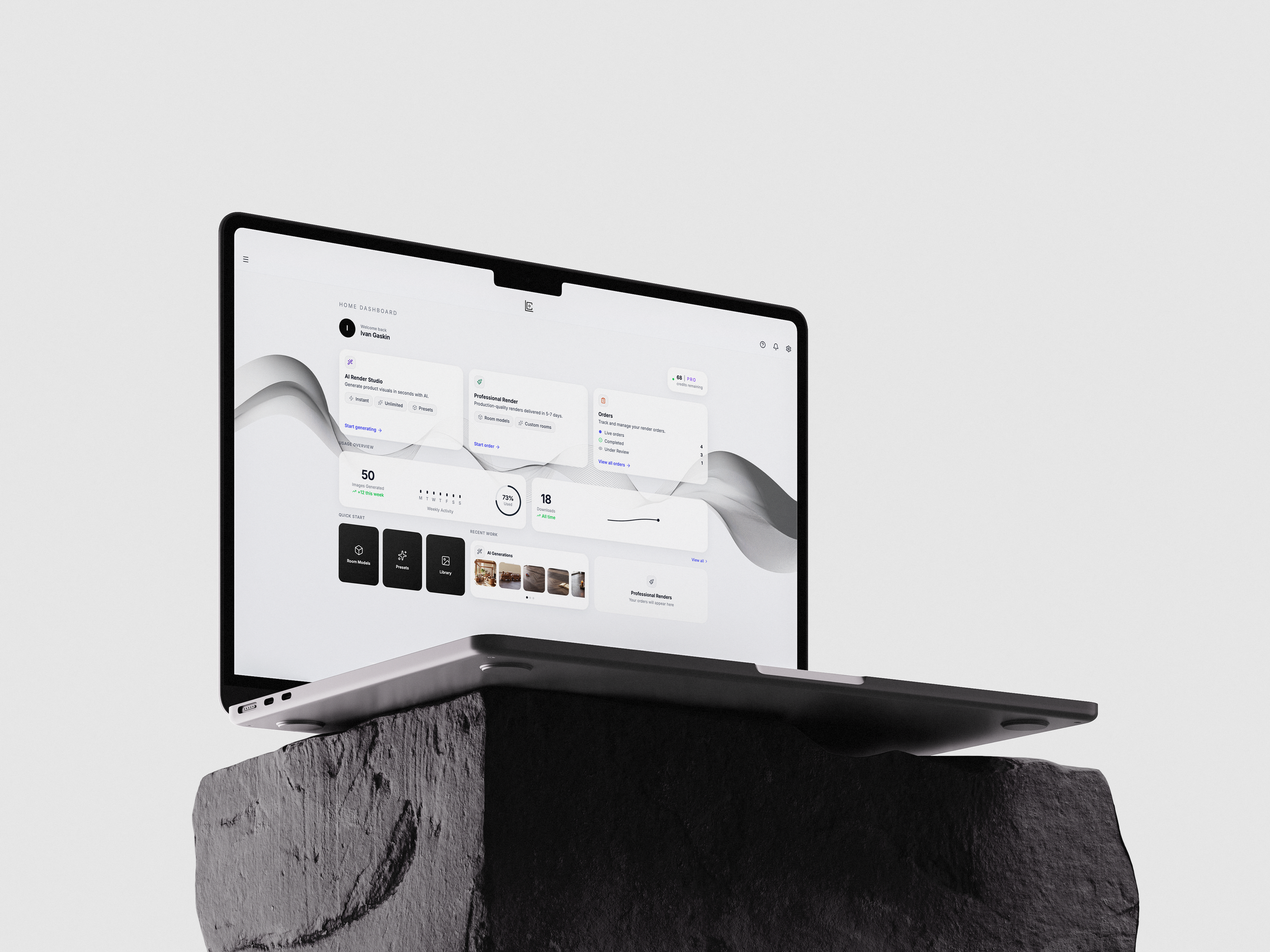
A centralised dashboard for managing your visual workflow. Track usage, monitor performance, access your generated content, and seamlessly navigate between tools, projects and the marketplace all in one place.
Designed to give flooring businesses full visibility and control over their visual operations.
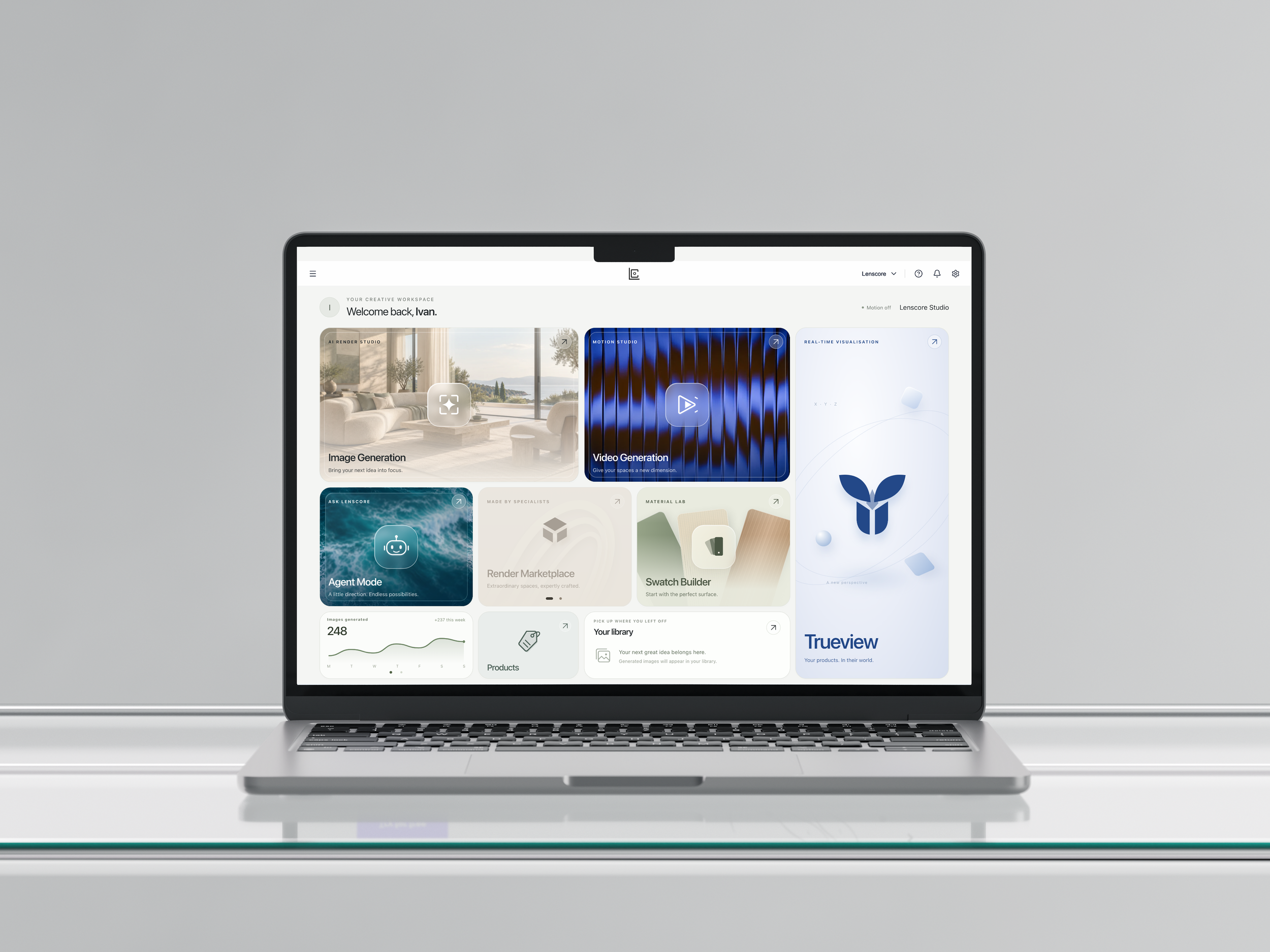
Studio Home.
Your tools, projects and content in one place.
A connected workspace for managing your creative projects. Access your tools, revisit recent work and keep products, brand assets and generated content together in one place.
Built to help flooring businesses move between tasks with a clear view of their visual workflow.
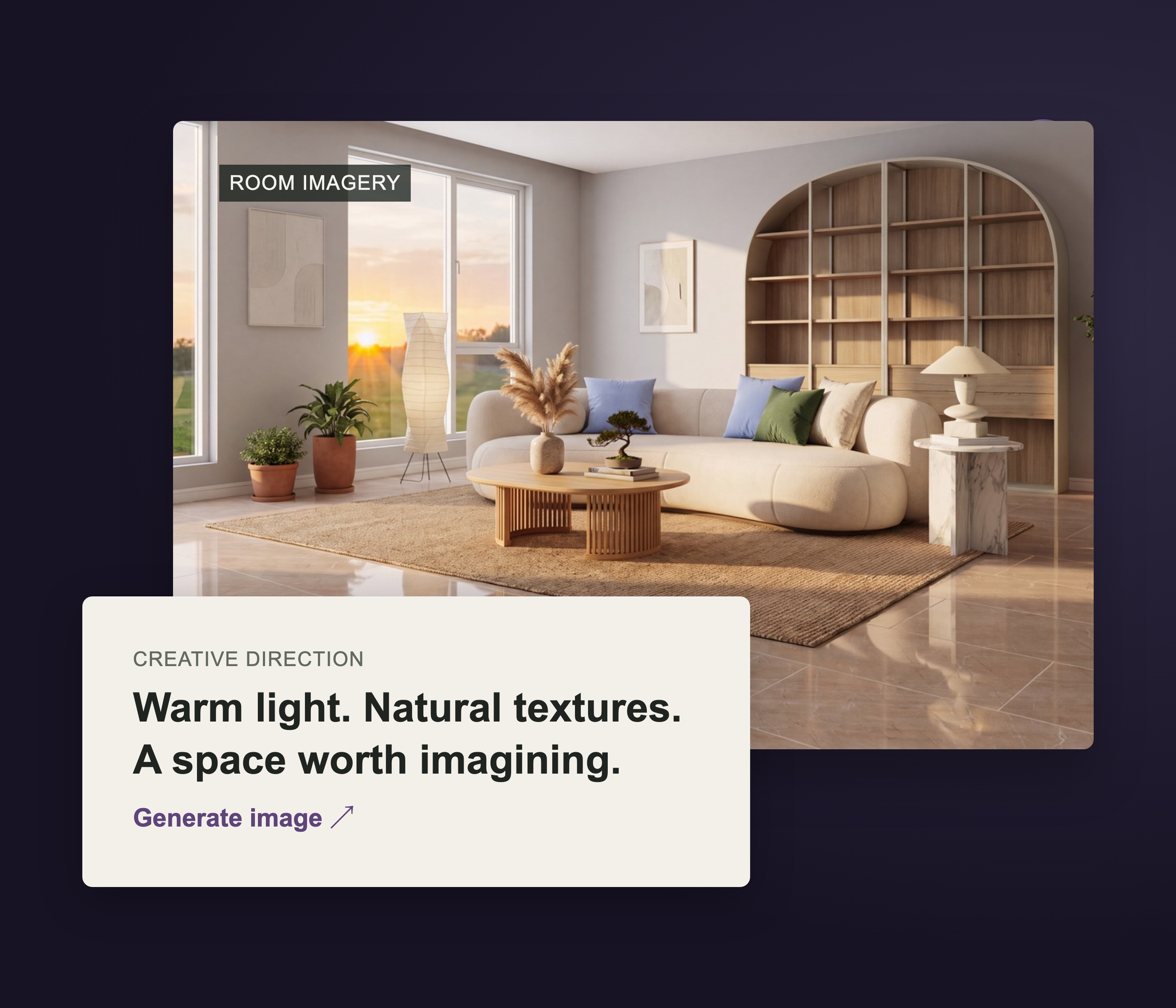
Image Generation.
Room imagery and product visualisation.
A flexible image generation studio for creating room scenes and product visuals. Work from a brief, materials or reference images, configure the style and lighting, then generate variations and upscale selected results.
Designed to support both everyday content creation and more detailed visual development for your flooring collections.
TrueView.
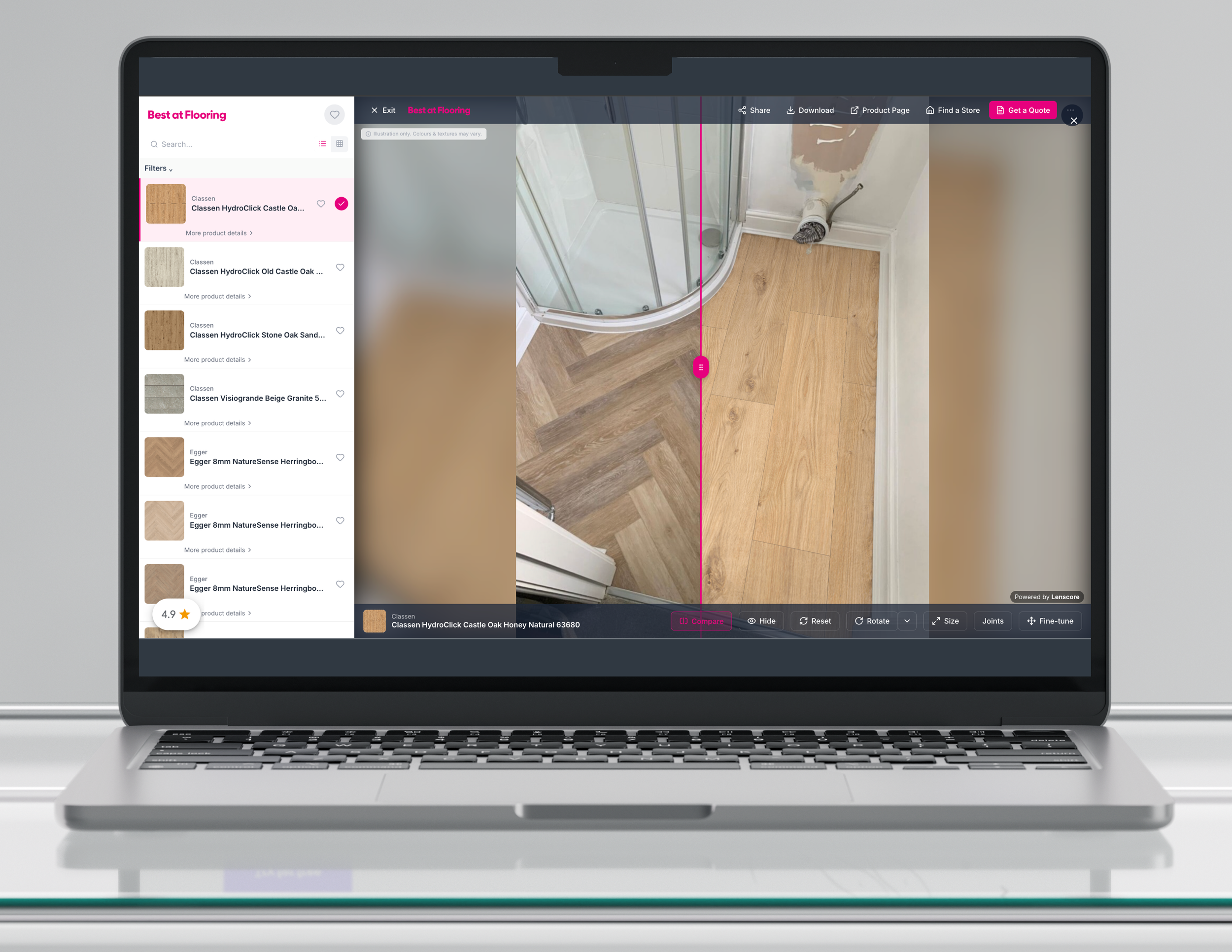
Flooring visualisation in your customer’s room.
A room visualisation tool that helps customers explore flooring in their own space. Upload a room photo, select a product and compare the original floor with the new finish using the comparison slider.
Give customers a clearer understanding of their options before installation, supporting more informed product conversations and purchasing decisions.
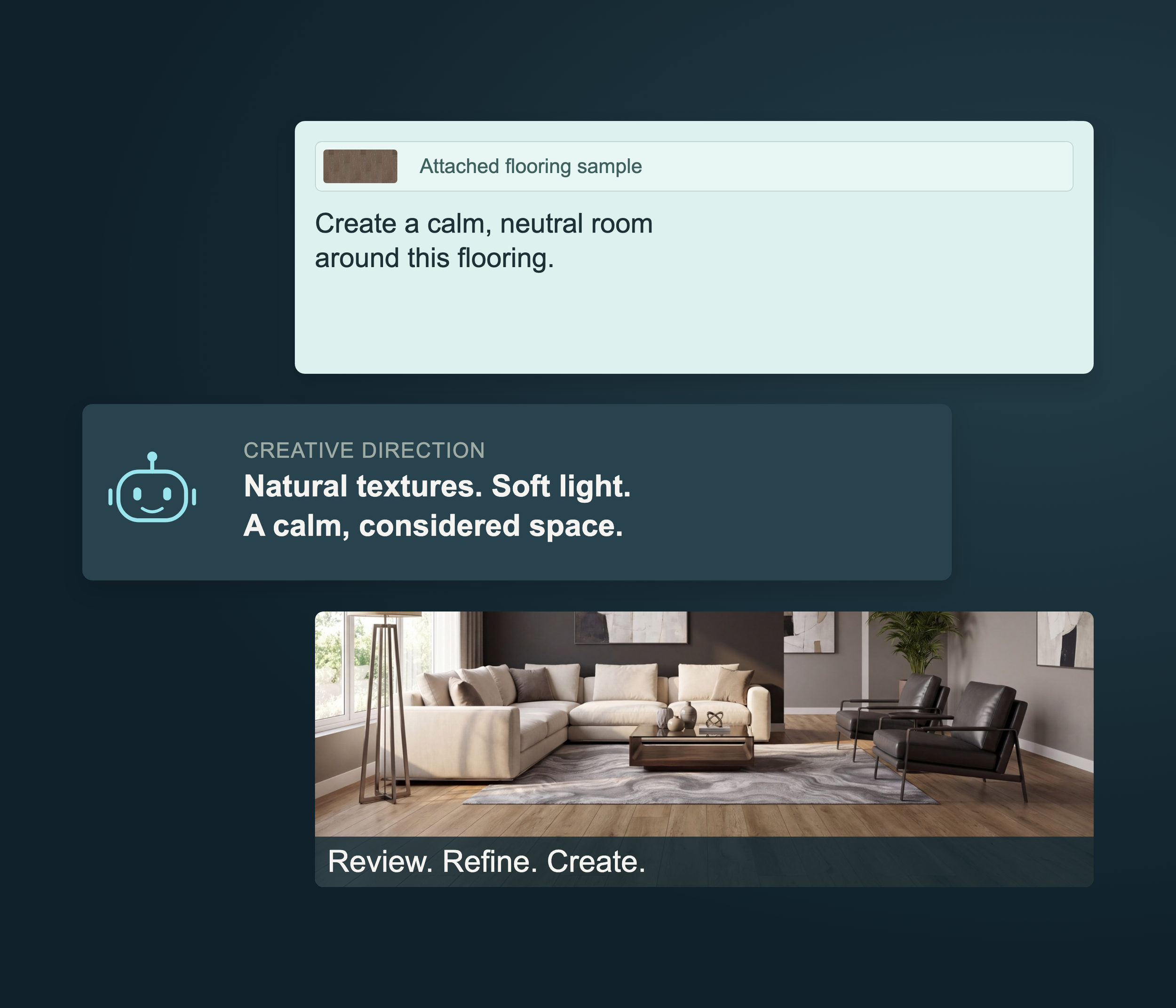
Agent Mode.
Creative direction through conversation.
A conversational workspace for developing creative briefs and refining visual ideas. Describe your requirements, provide reference images and request changes through a single chat.
Keep the brief and its revisions together, with a guided approach to developing content for your flooring business.
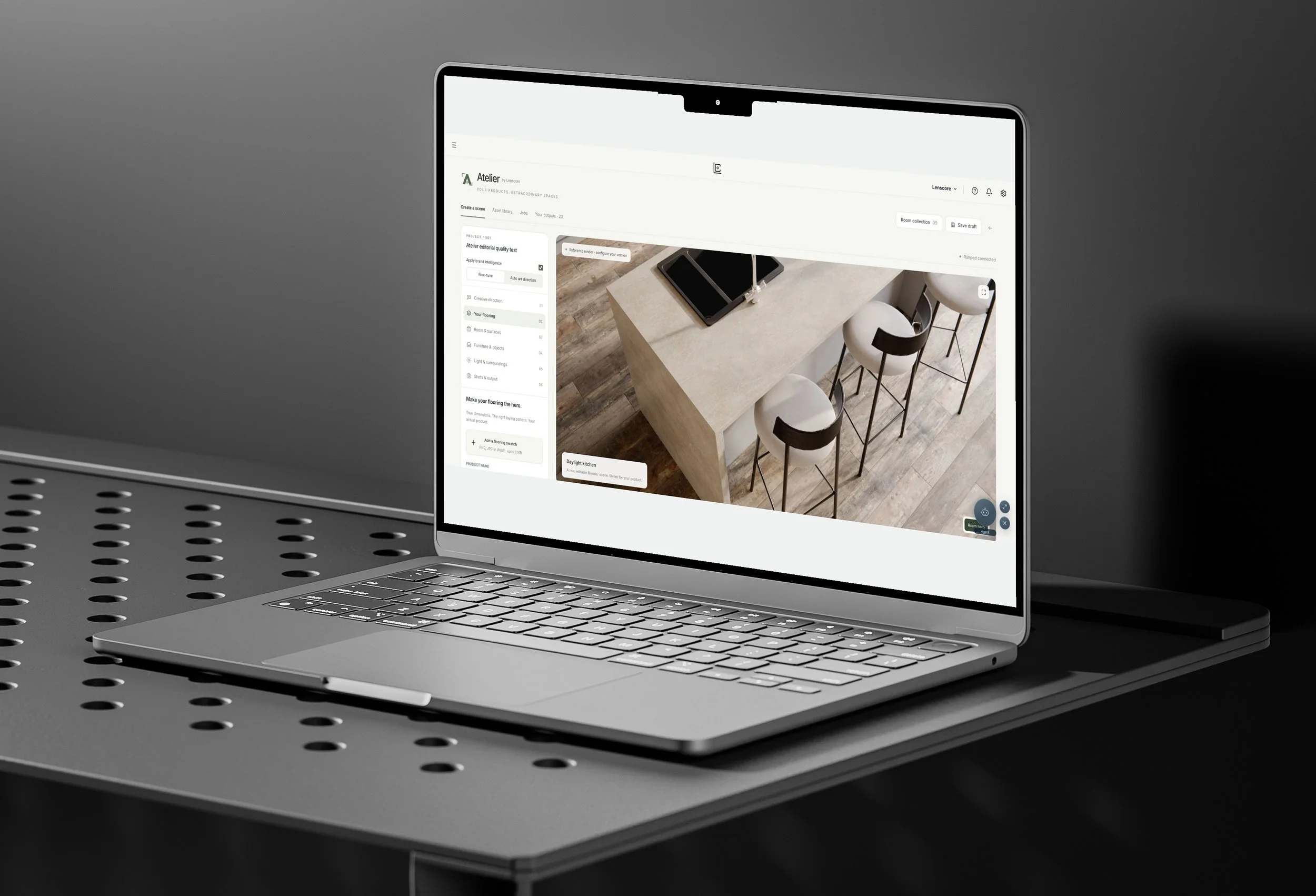
Atelier.
Controlled scenes for product imagery.
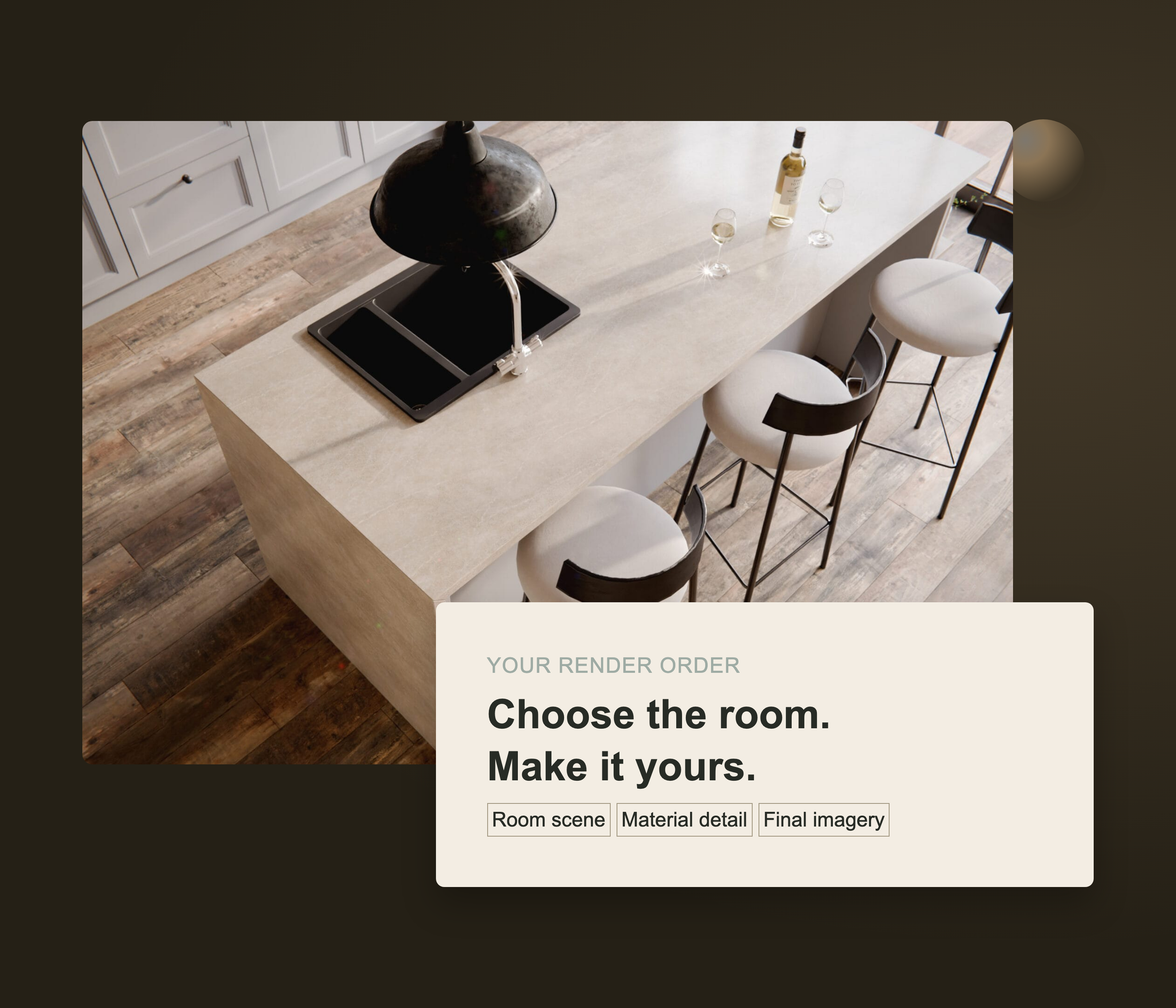
A configurable 3D studio for creating product imagery in controlled room settings. Select a template, apply your flooring and adjust surfaces, furniture, lighting and camera angles before rendering.
Develop scenes around your collections with greater control over how each product is presented.
Room template preview shown.
Render Marketplace.
Room templates and bespoke render services.
A render marketplace for sourcing visuals tailored to your products. Choose a room template or request a bespoke render, submit your brief and manage the order through to delivery.
Keep production requests, progress and completed assets connected within your Studio workflow.
Swatch Builder.
Flooring patterns built from product textures.
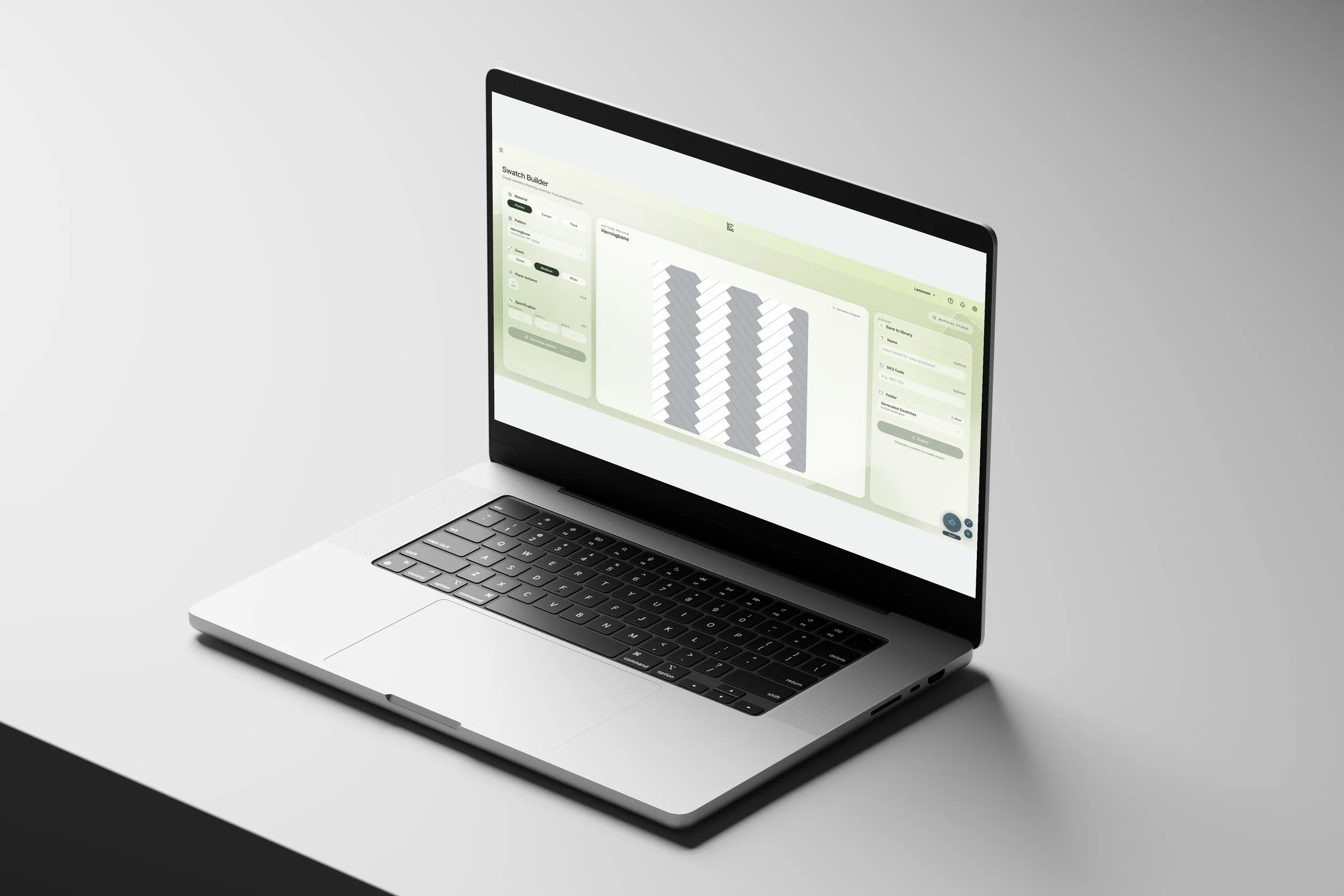
A swatch creation tool for building complete flooring patterns from individual product textures. Upload plank images, select a layout such as herringbone and configure the dimensions before generating your swatch.
Save finished swatches to your Library, ready to use in your visual workflow.
Pattern setup shown.
Products.
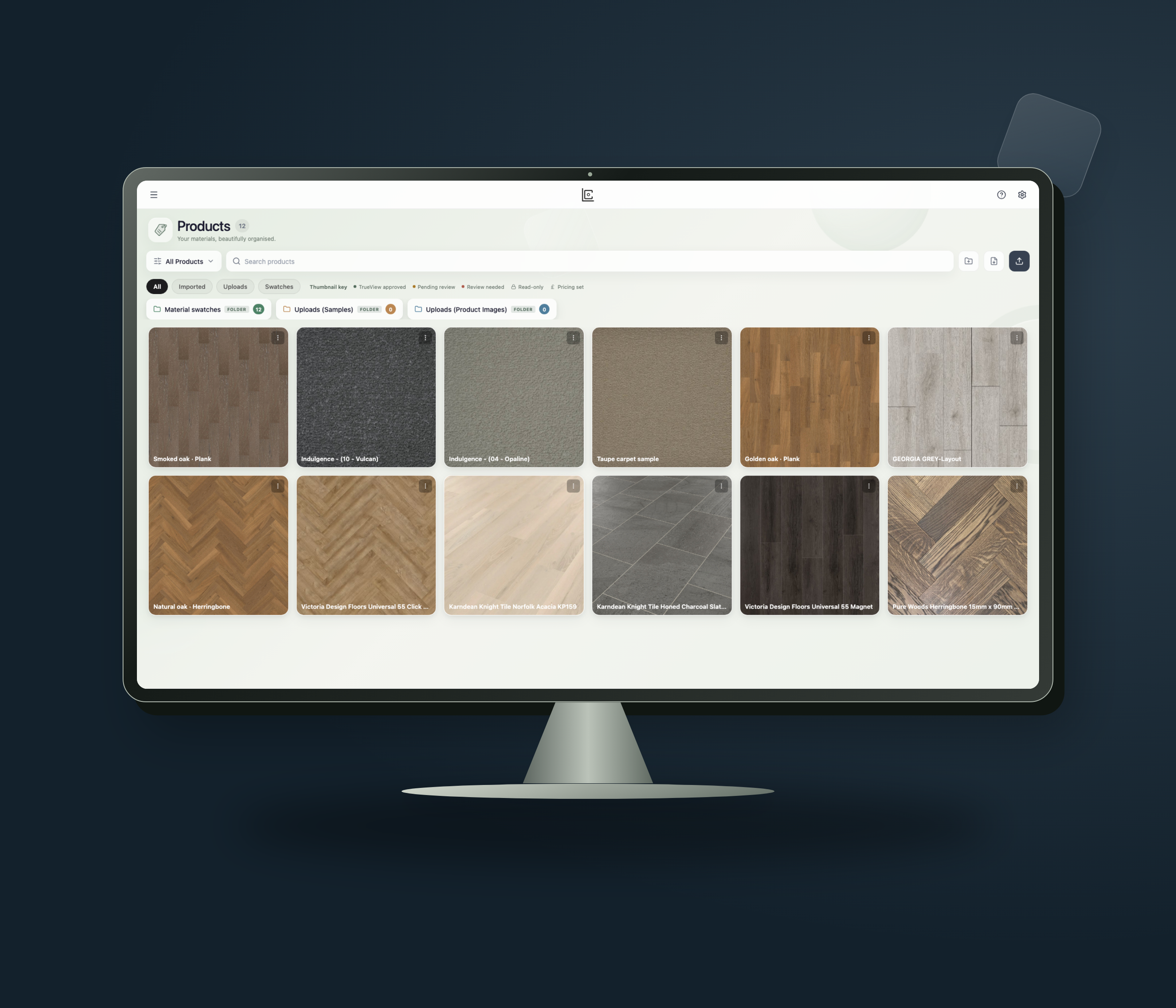
A centralised product catalogue for organising your flooring range. Import products through an XML feed and keep swatches, product details and collections together within the platform.
Make your materials easier to find and select when creating imagery or helping customers explore their flooring options.
Product information and swatches, organised.
Creative Library.
Manage and reuse your visual assets.
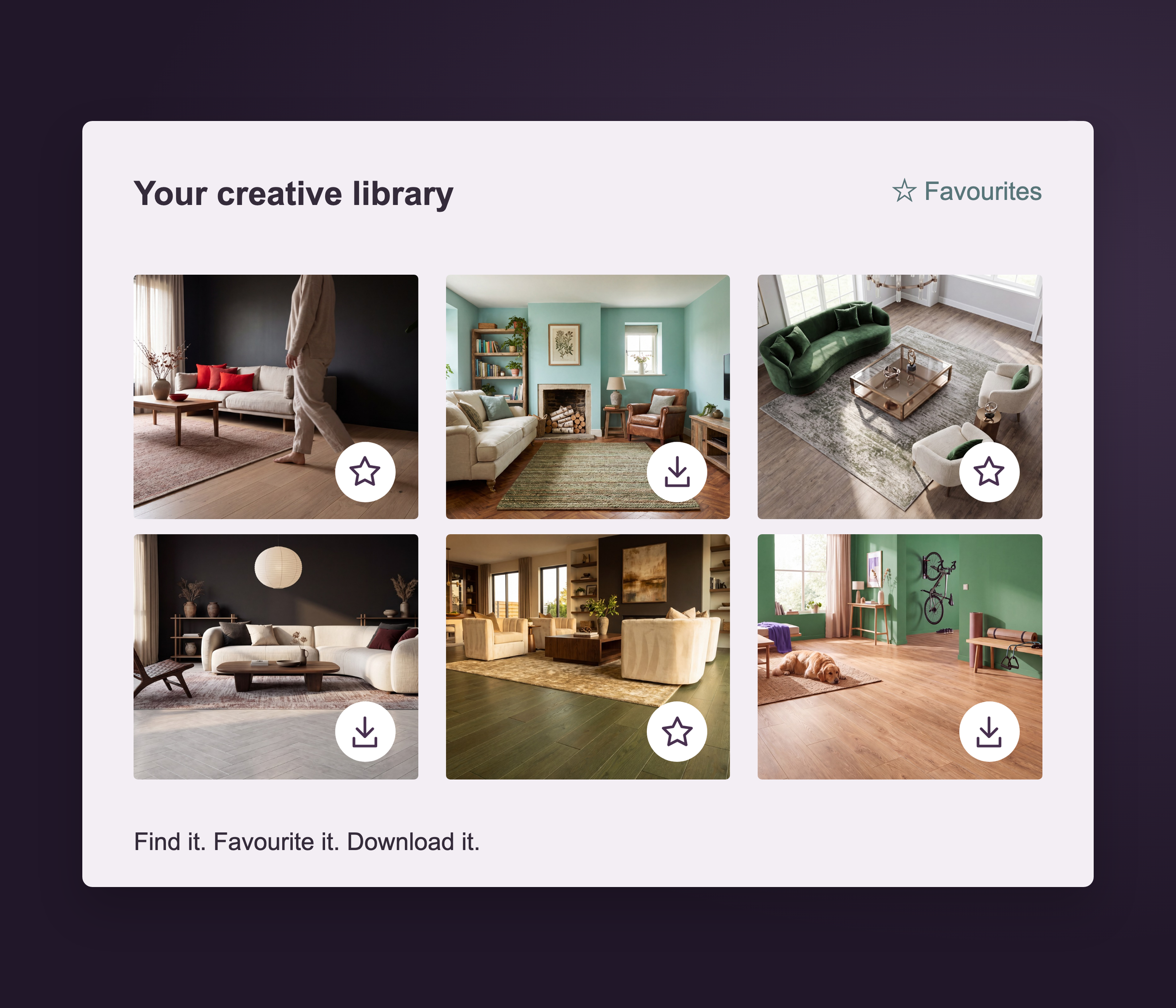
A shared library for your visual content. Access generated images and videos, save favourites and download completed assets from one organised workspace.
Keep previous work available for future projects, helping your business reuse existing content and manage its growing collection of visuals.
Video Generation.
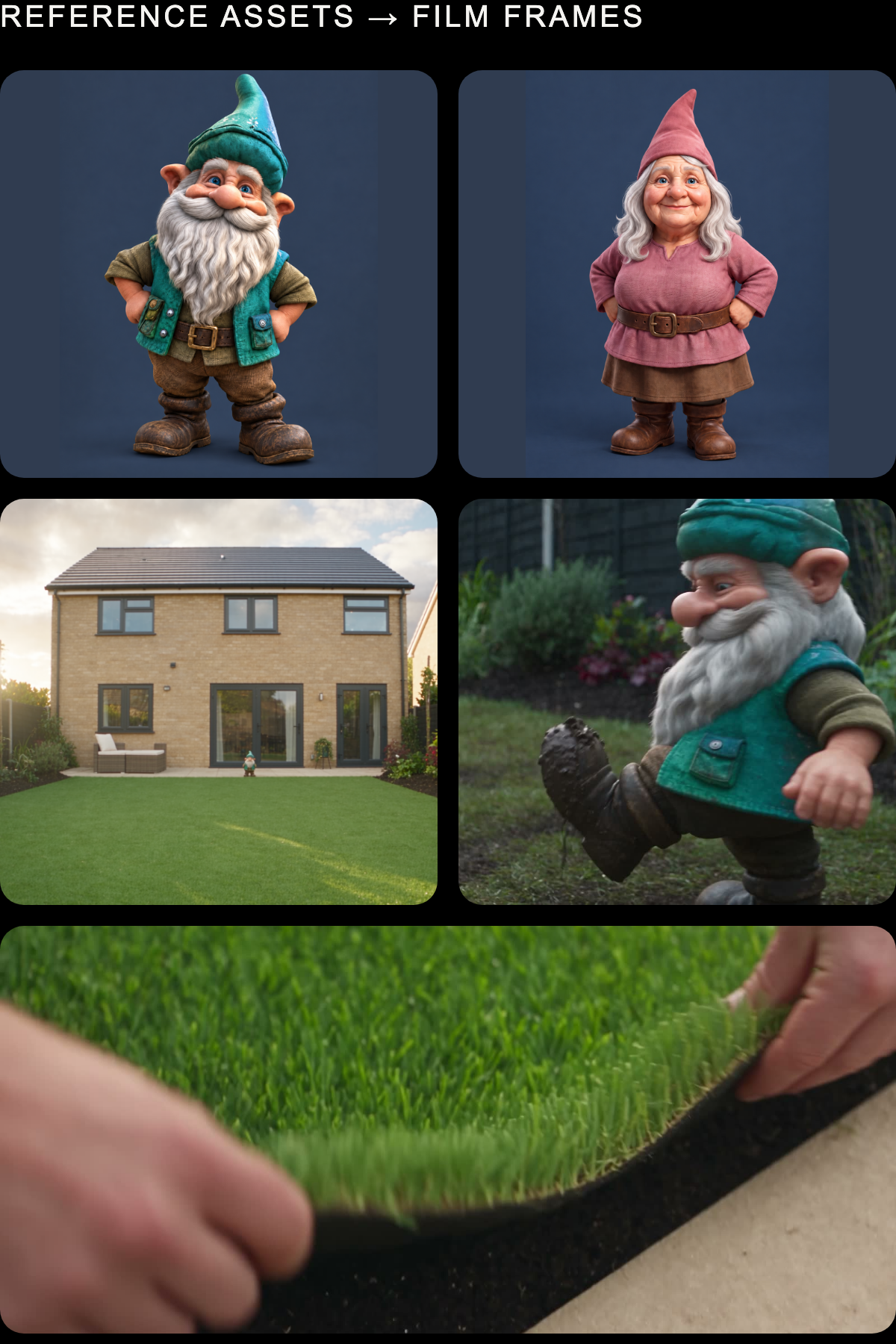
Video creation from existing imagery.
An image-to-video tool for bringing still visuals into motion. Upload an image or select one from your Library, describe the action and camera movement, then generate and review the result.
Create moving content from existing assets for use across your website, presentations and social channels.
Upload or select your product, configure your settings, and let Lenscore Studio take care of the rest.
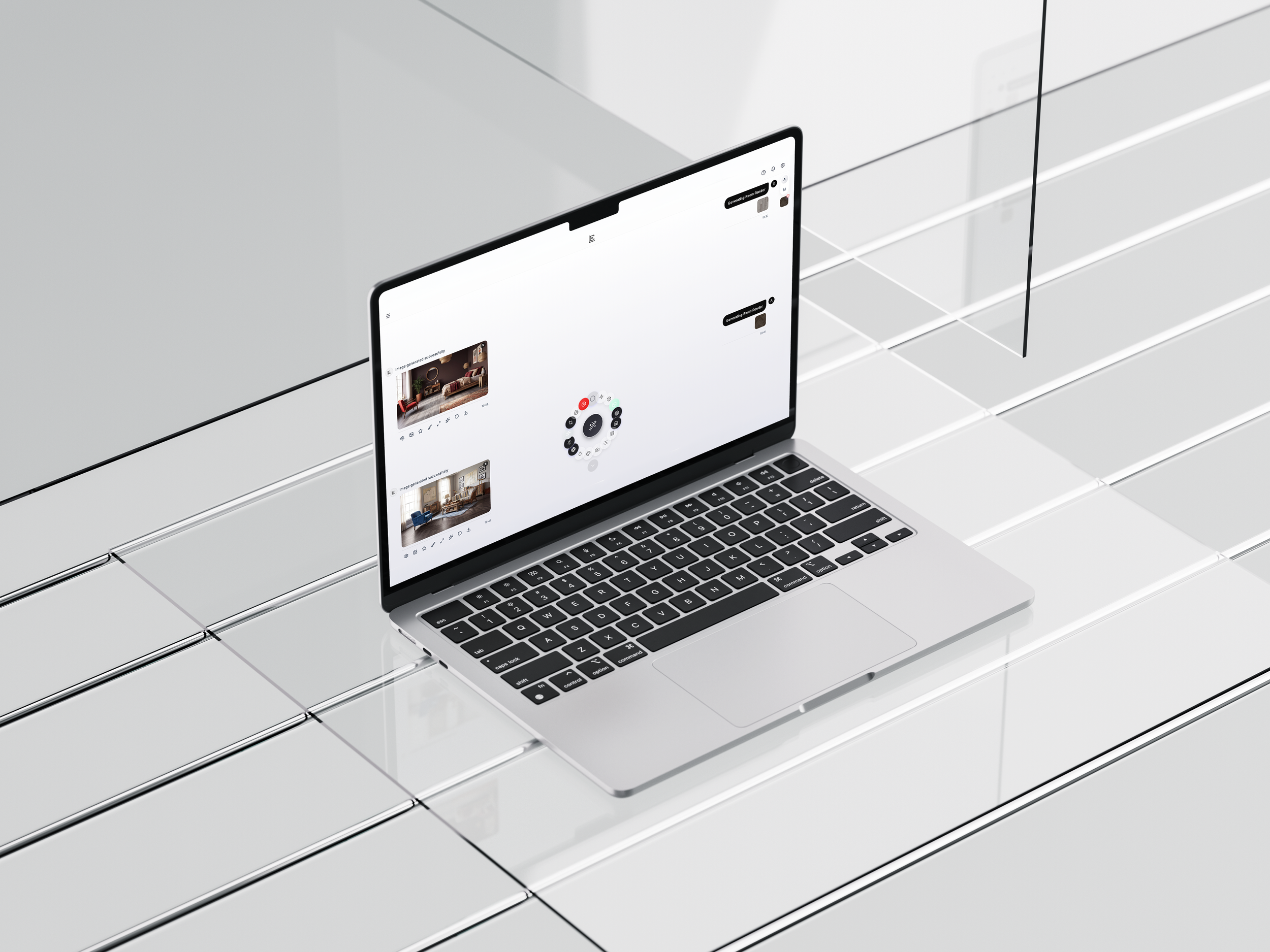
A flexible studio built for precision and scale.
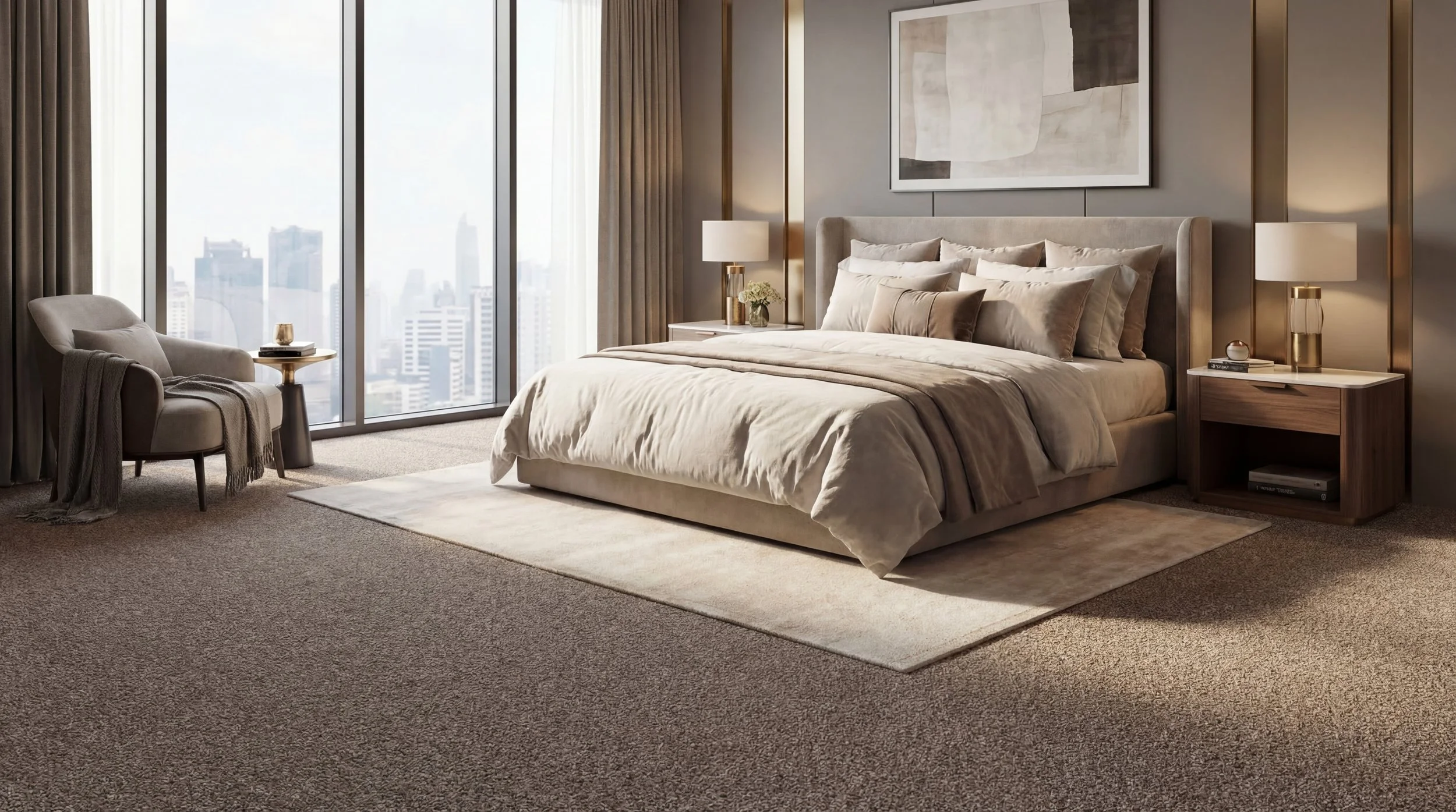
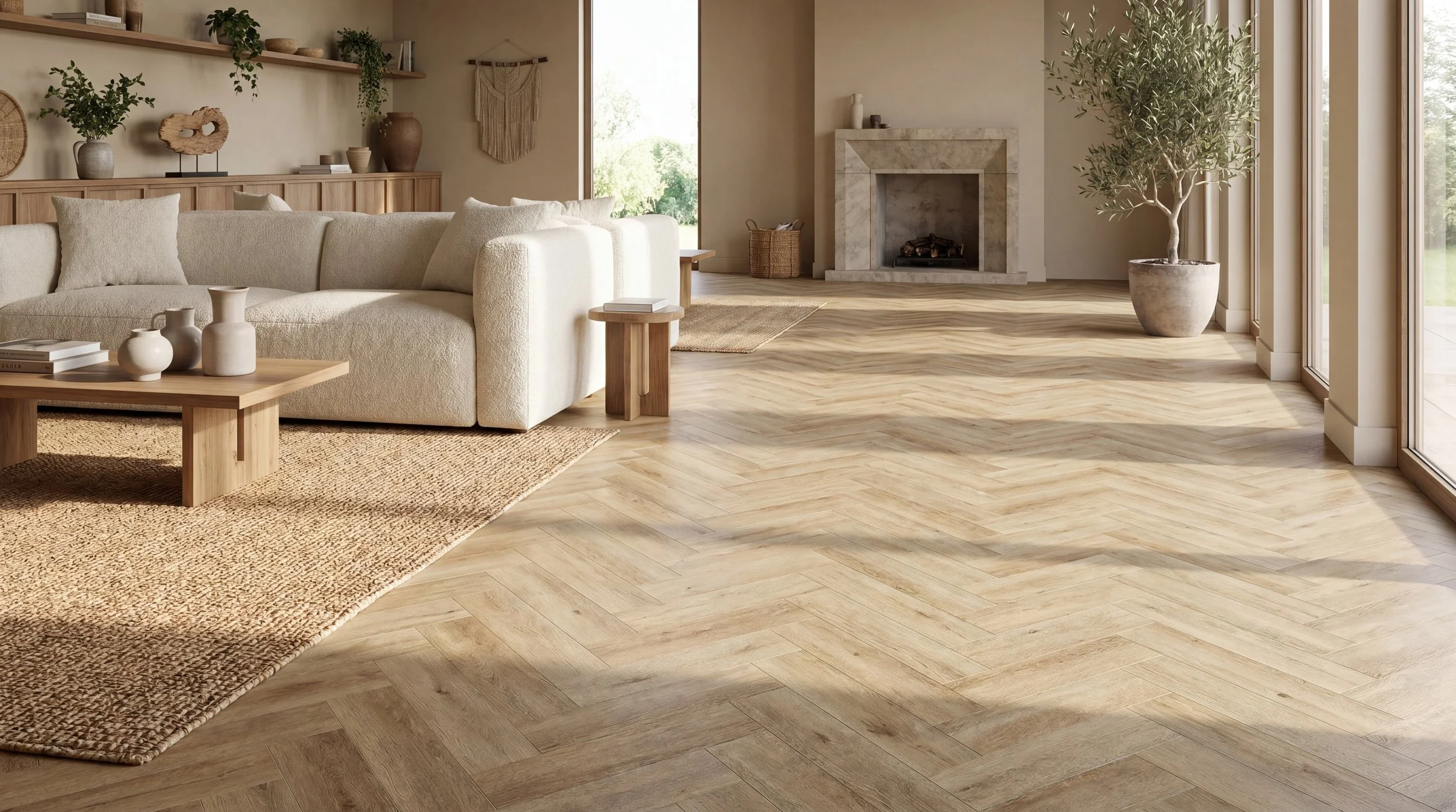
Use the Auto Wheel for fast, seamless generation or switch to manual control for fine-tuned outputs.
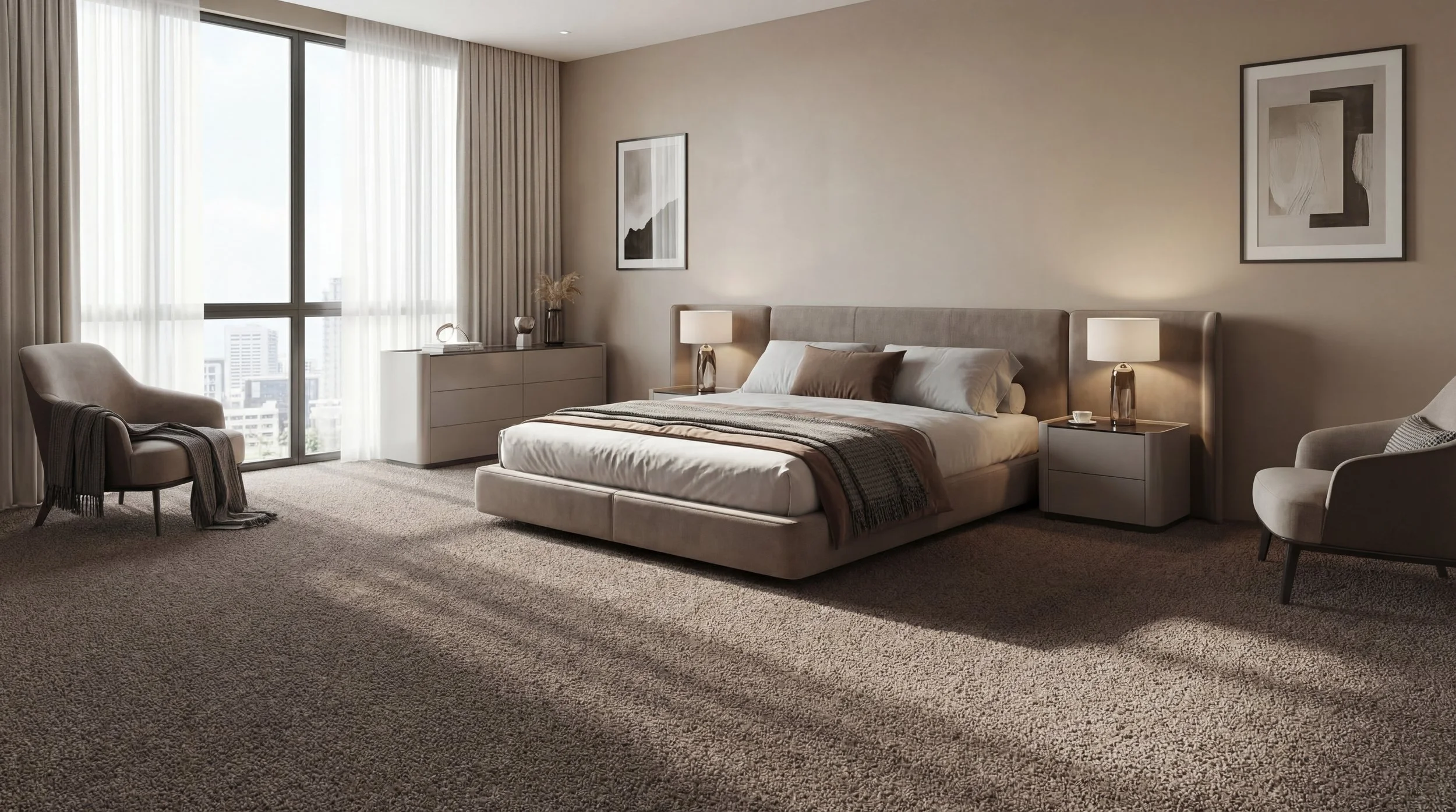
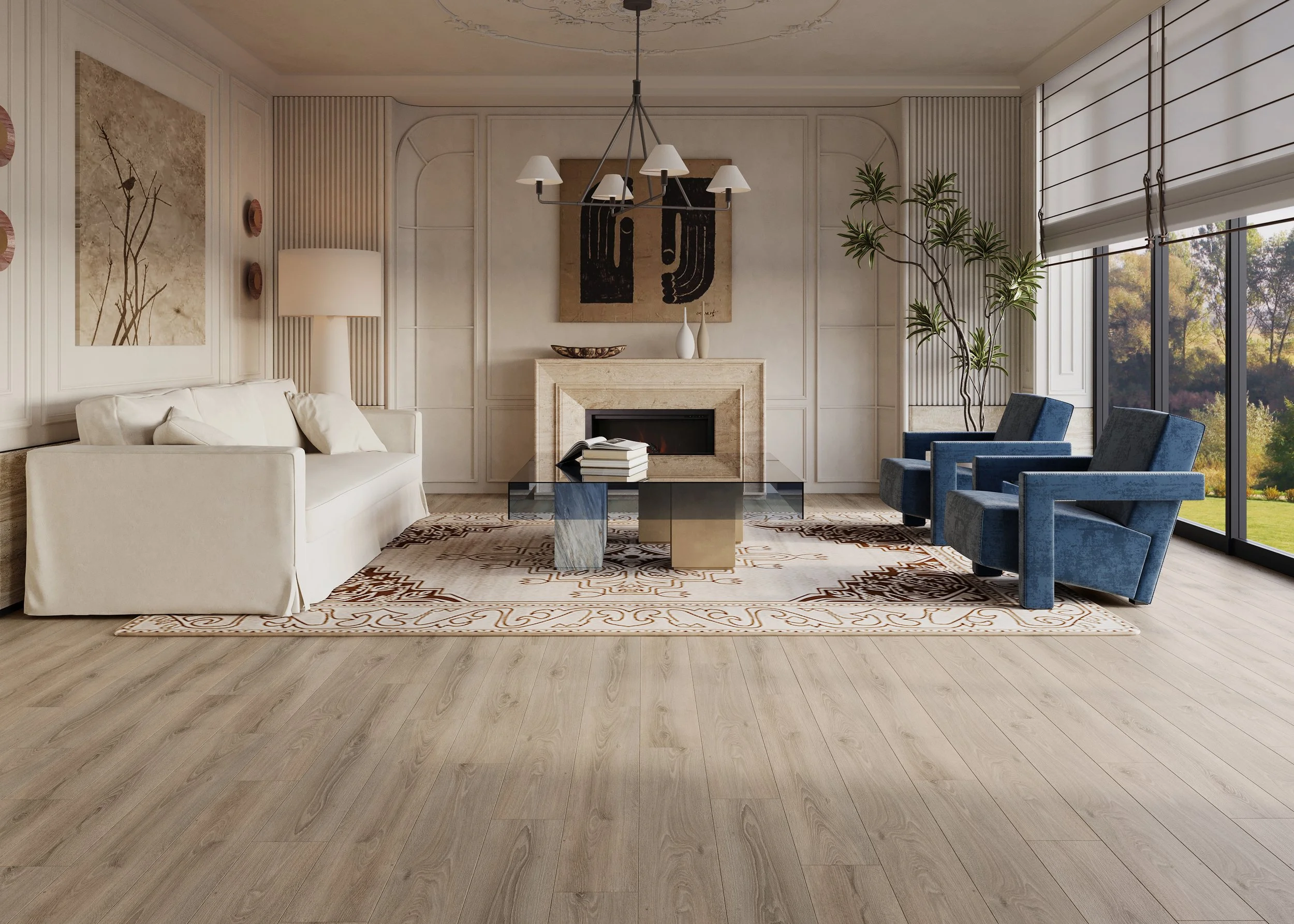
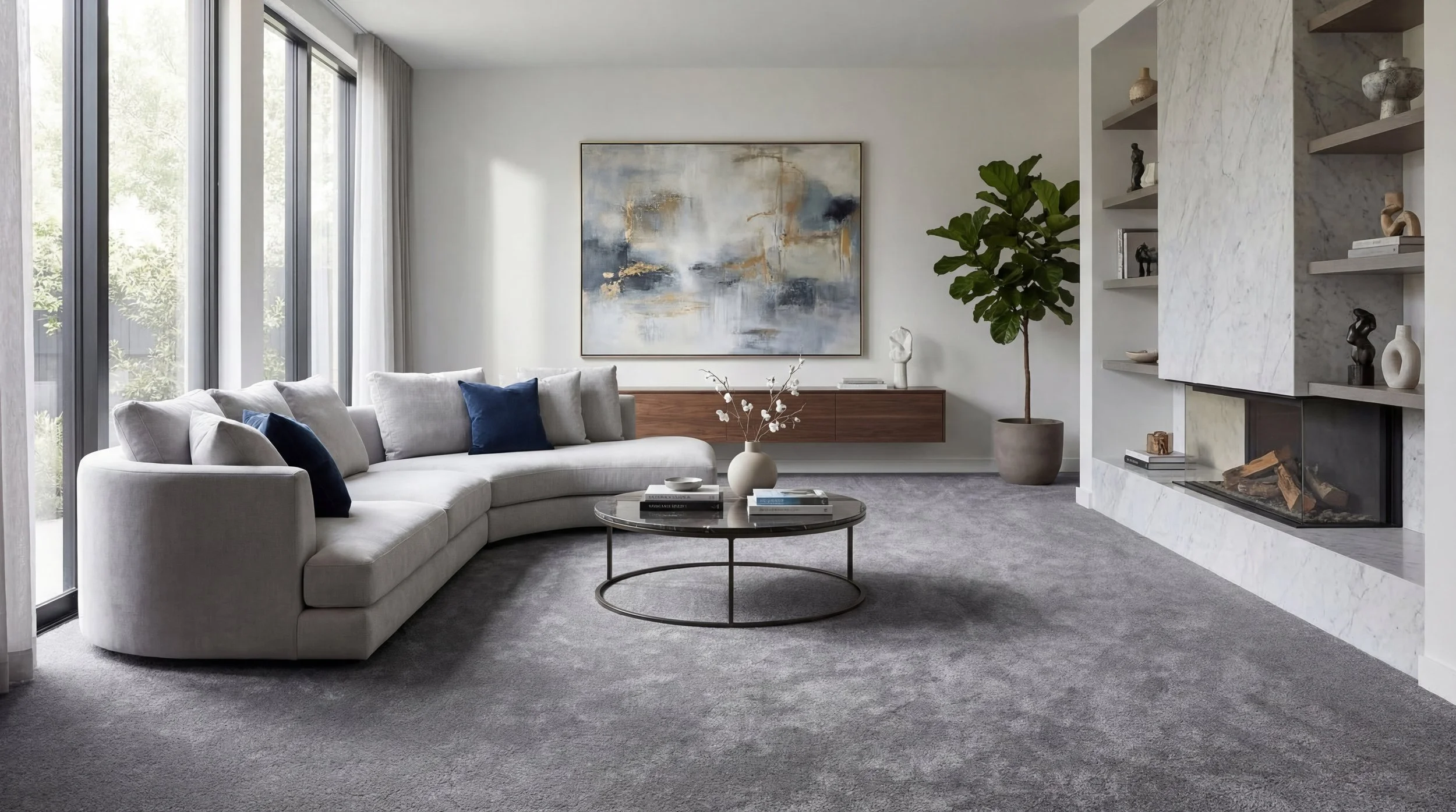
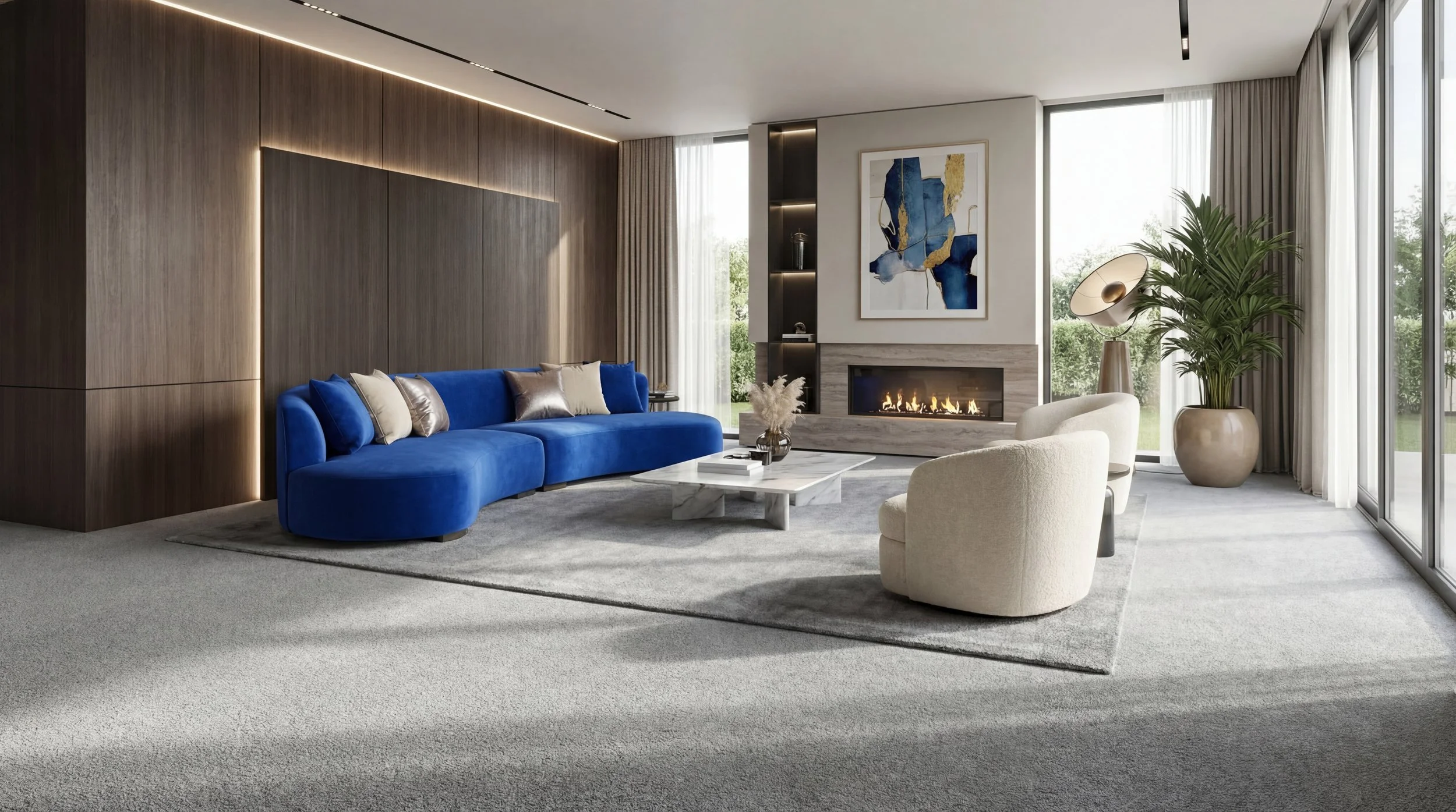
With detailed configuration options, multiple creation modes, presets, variations and high-quality upscaling, the AI Render Studio adapts to both rapid production and more refined creative workflows.
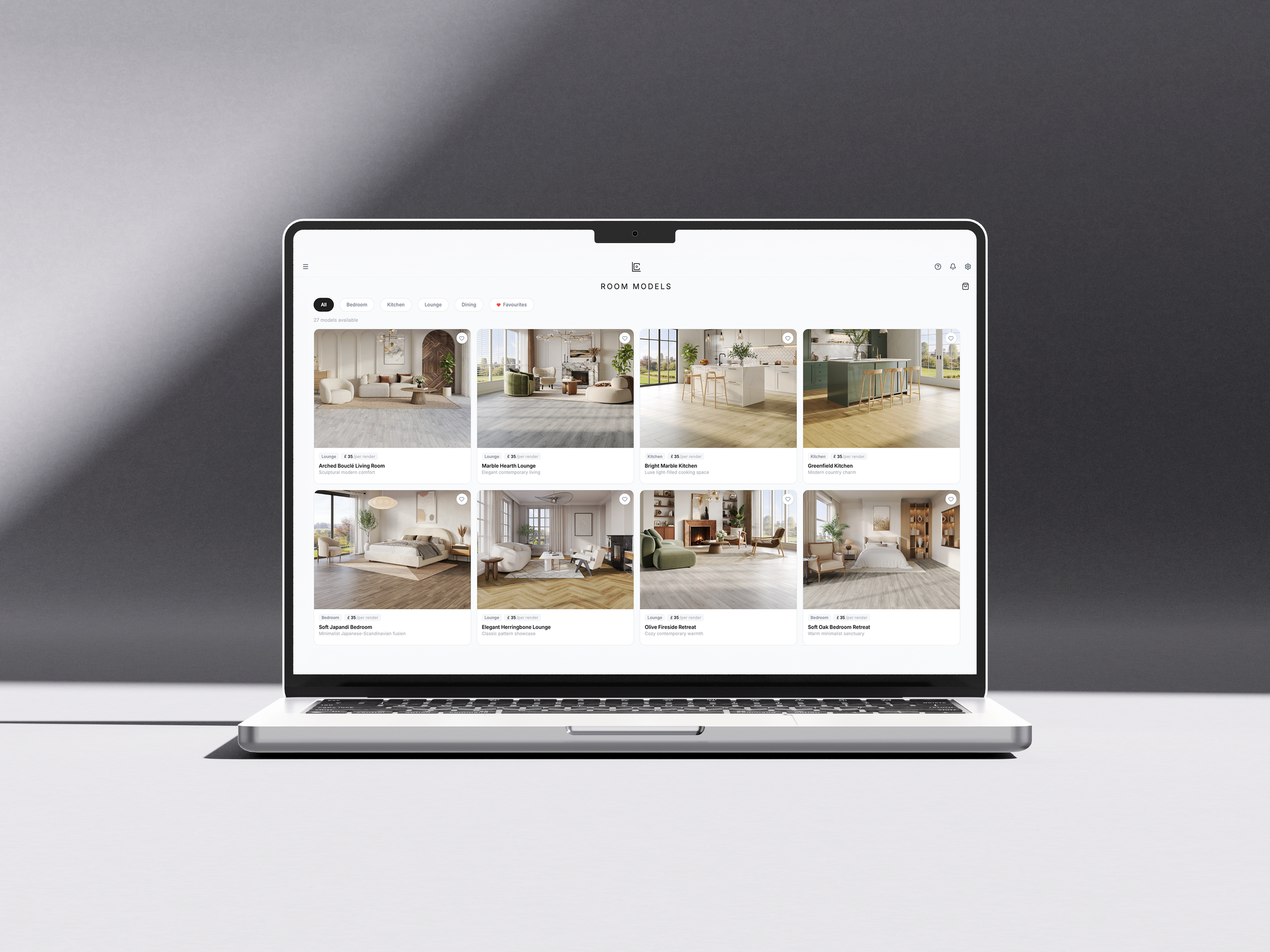
A complete marketplace for production-ready visuals. Access a curated library of pre-built room models or request bespoke renders tailored to your exact requirements.
Submit and manage orders directly within the platform, with automated quoting, invoicing and real-time progress tracking through to final delivery.
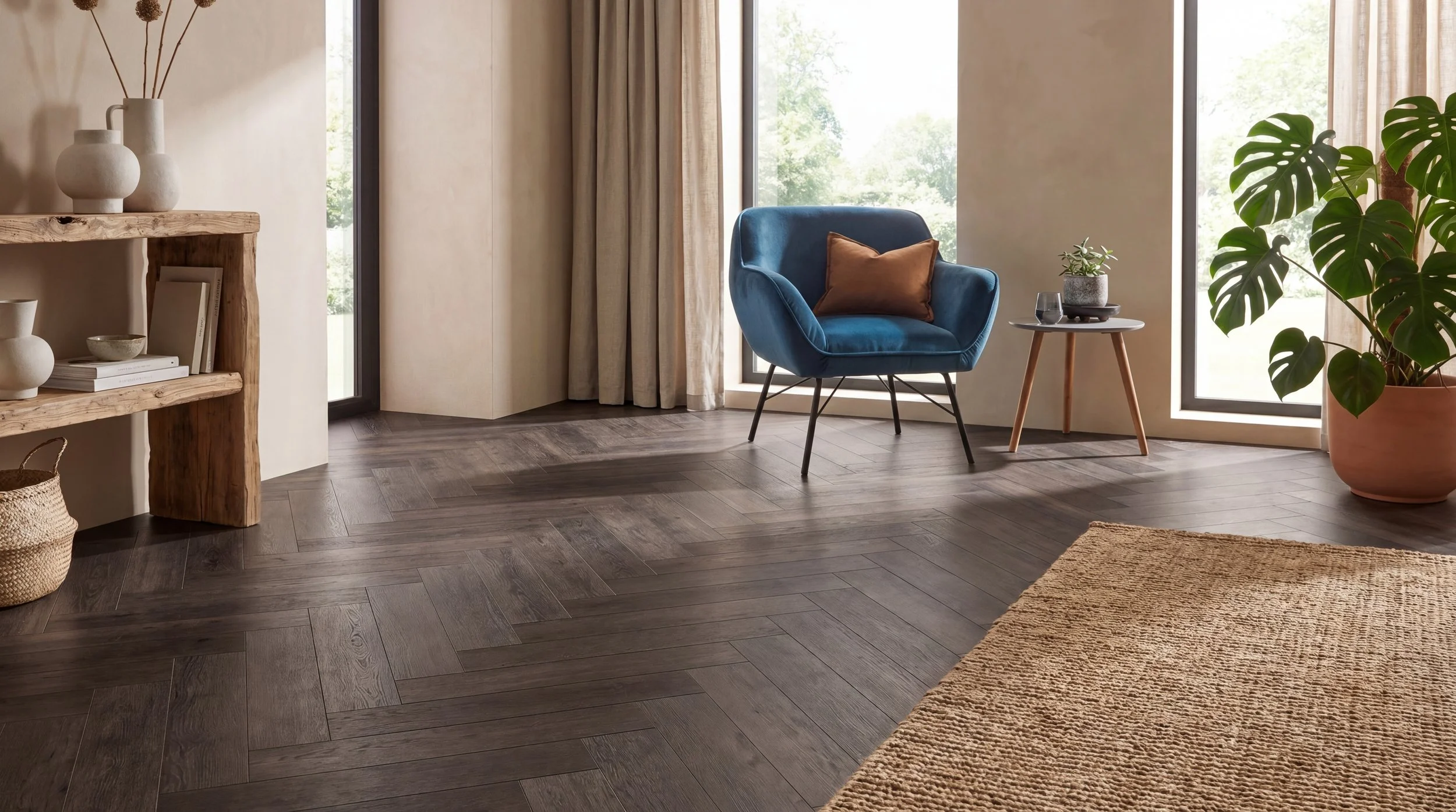
What Sets Us Apart
Lenscore Studio brings everything into one place. From instant visualisation to production-grade renders, order management and delivery. We unify the entire workflow into a single platform. No fragmented tools, no disconnected processes, just a streamlined system built specifically for flooring businesses to create, manage and scale their visual output.
Batch Generations
Generate up to 20 images at once using your configured settings for fast, scalable output.
Pre-Loaded Products
Access your full product library instantly for faster, more consistent visual generation.
Presets
Save and reuse specific styles to maintain consistency across all your visuals.
Floor Replacement Tool
Show clients exactly how flooring will look in their space to drive faster decisions and increase conversions.
AI Render Studio Examples
Lets Talk.
Ready to elevate your brand? We’d love to hear from you.